From one video to a story
Turn one video into an animated story
Pull frames out of a video, turn each frame into an image, then connect the images with prompts that tell a story. Flow animates every scene from one image to the next, and FlowBatch saves the scenes in order.
-
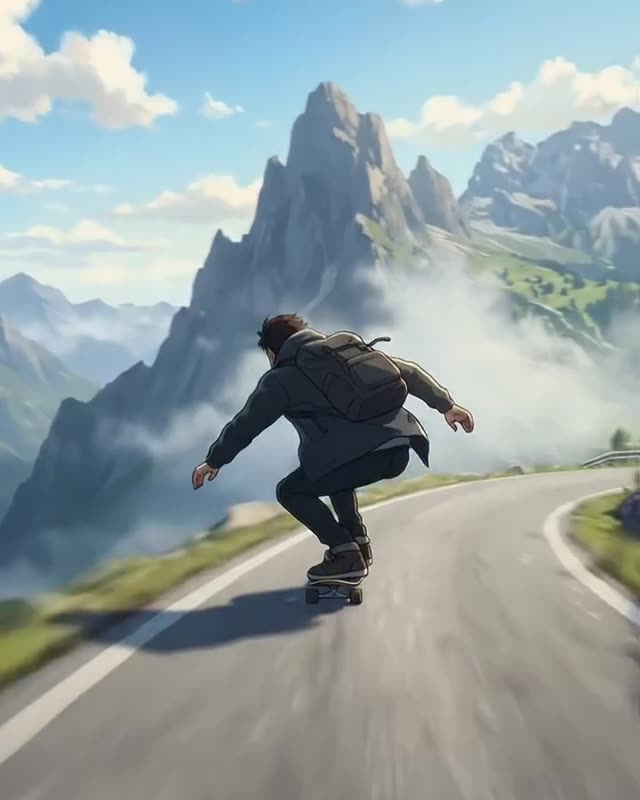
ride.mp4 · a frame every 0.5 s
1Frame extractor
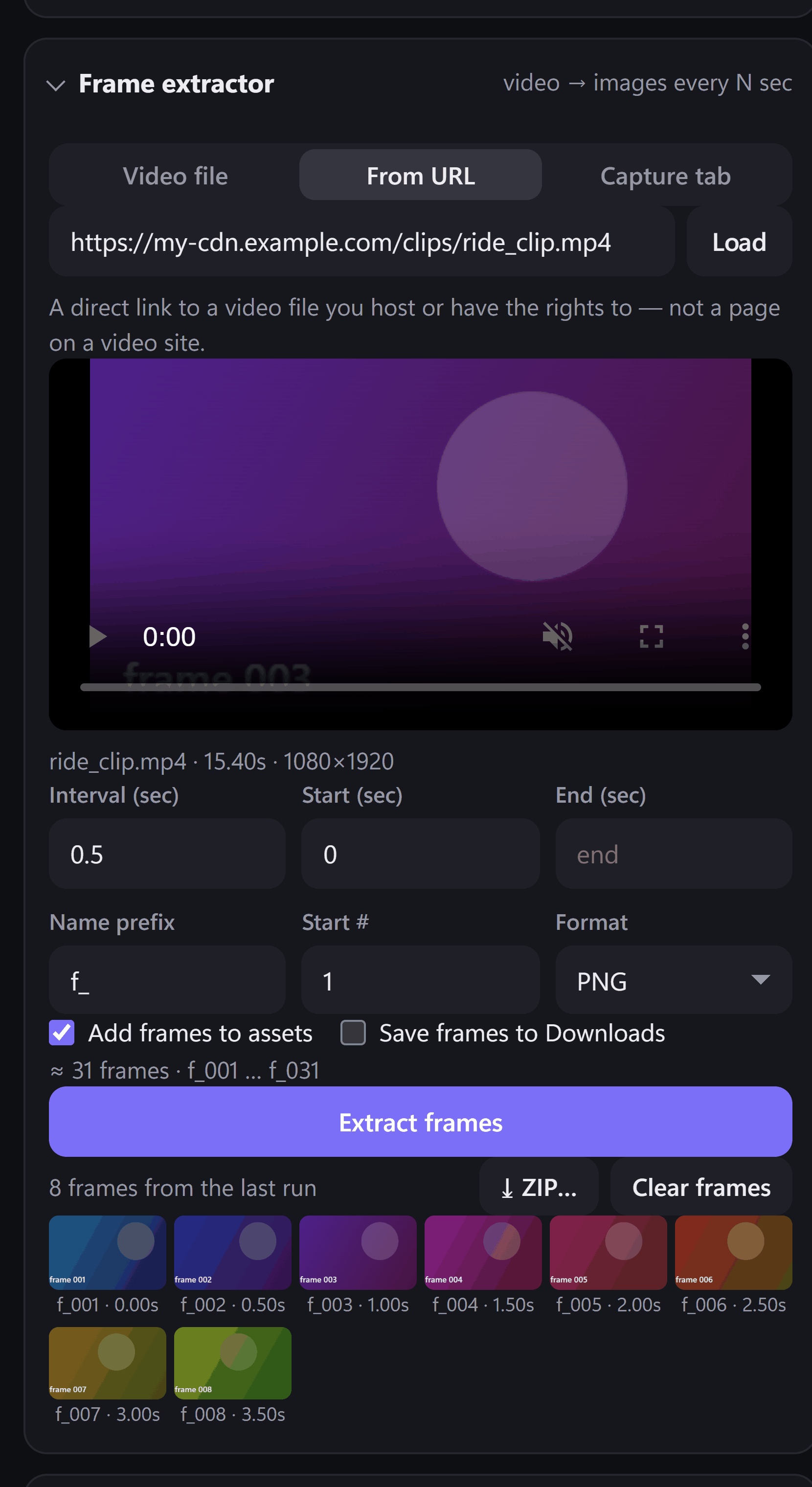
Pull the frames
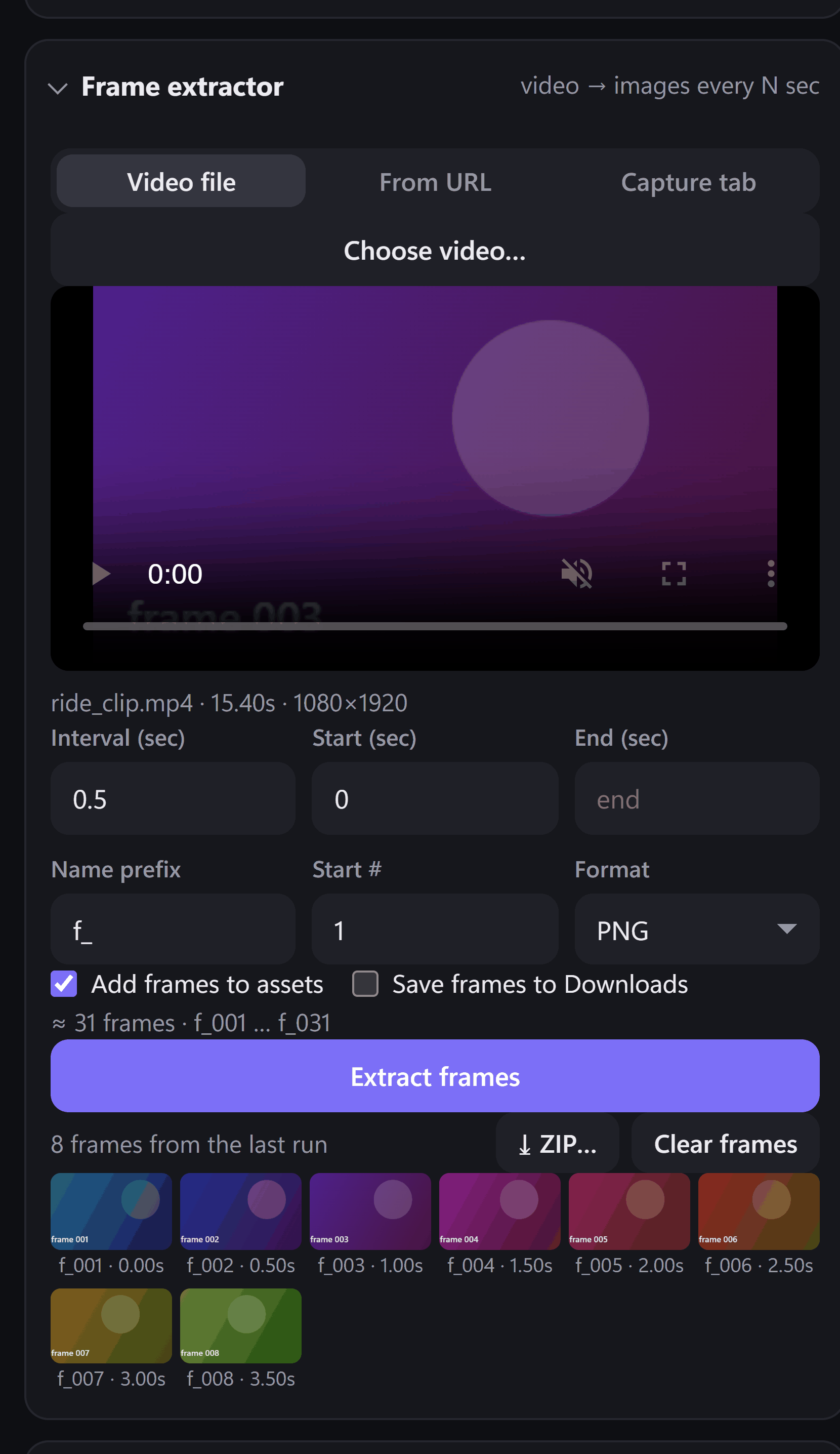
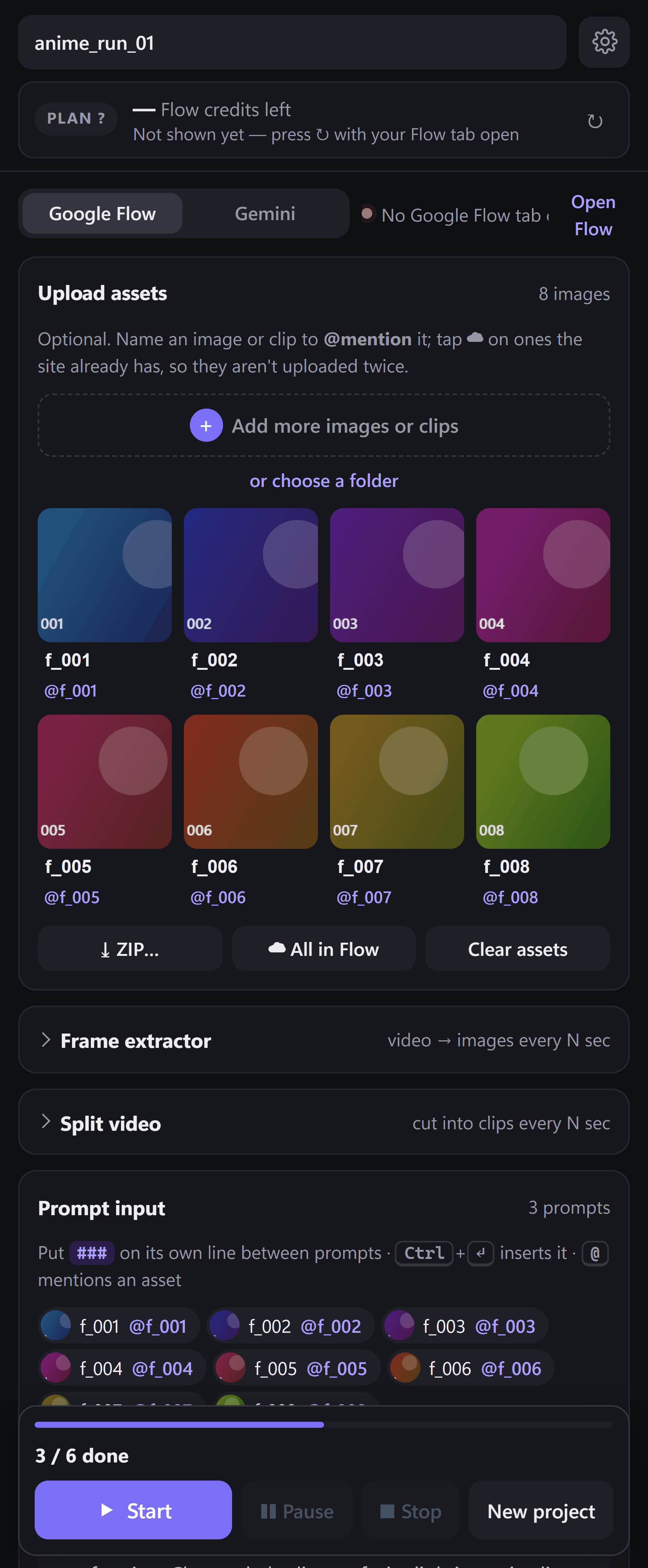
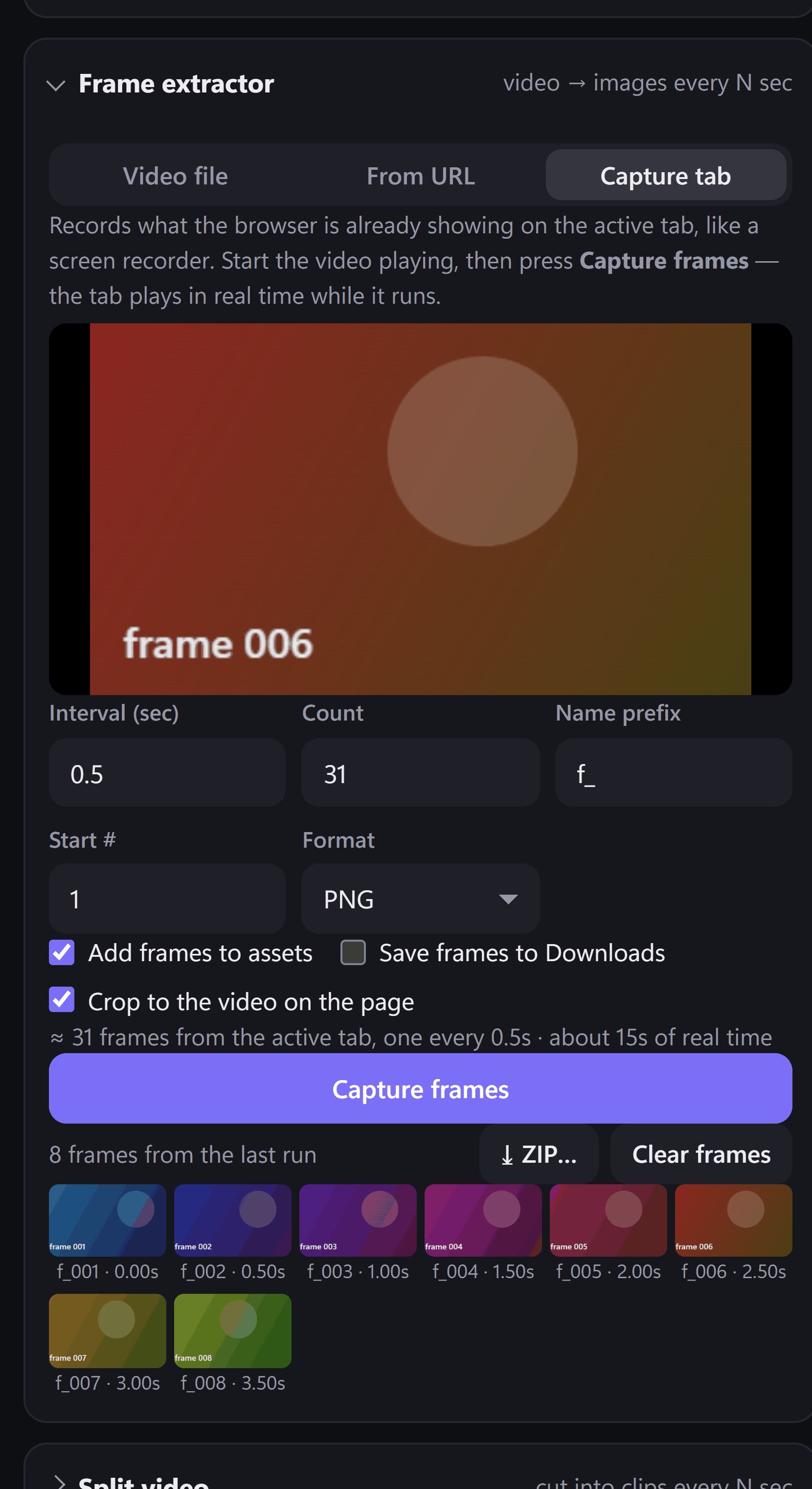
Load a video file, a direct link or a playing tab, and pick an interval. Each step becomes a still named f_001, f_002 and so on, ready in your images.
-
2Image mode
Create the images
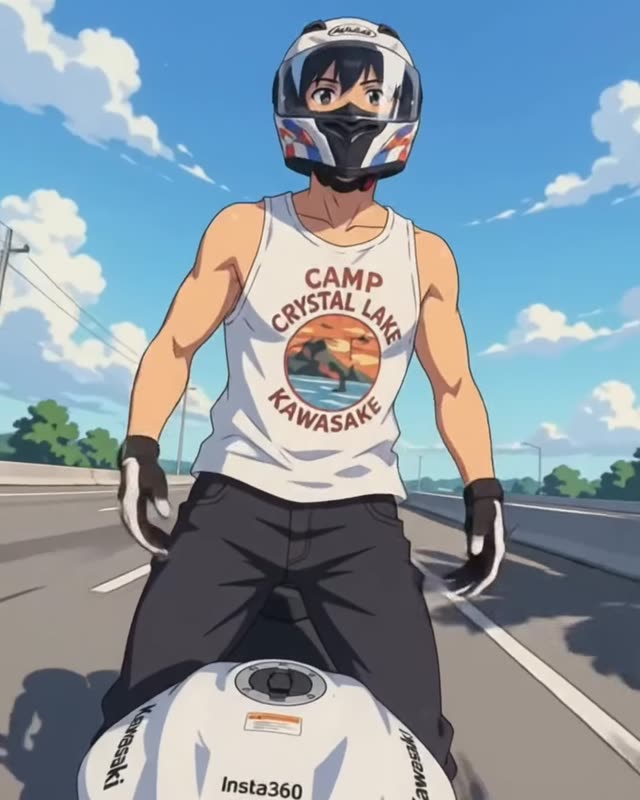
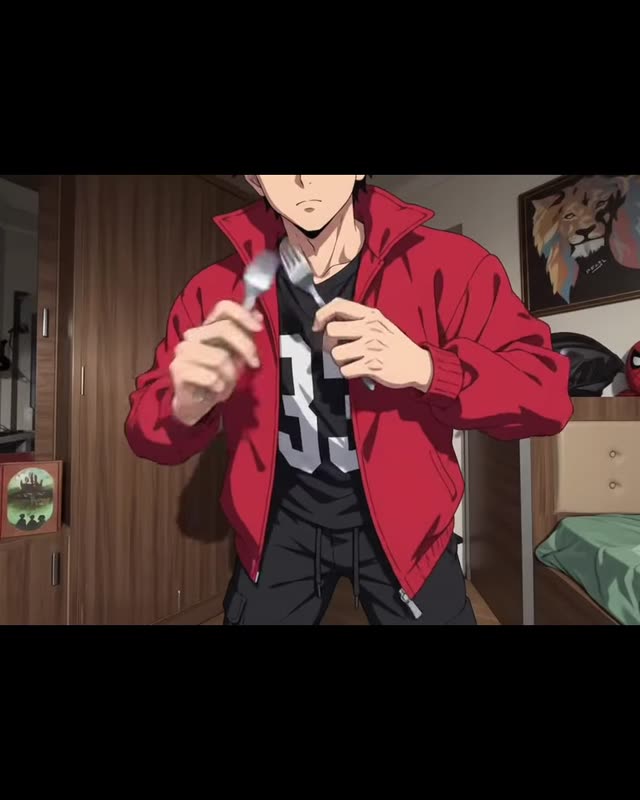
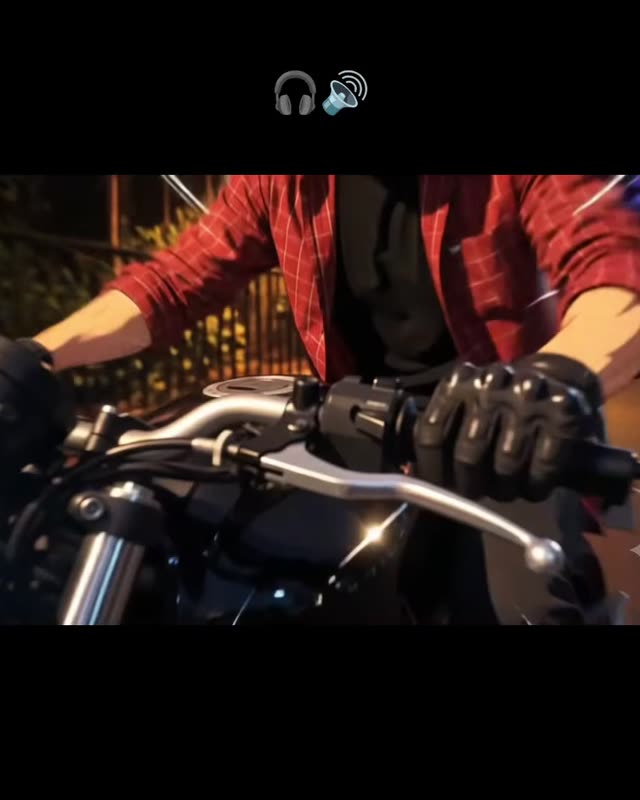
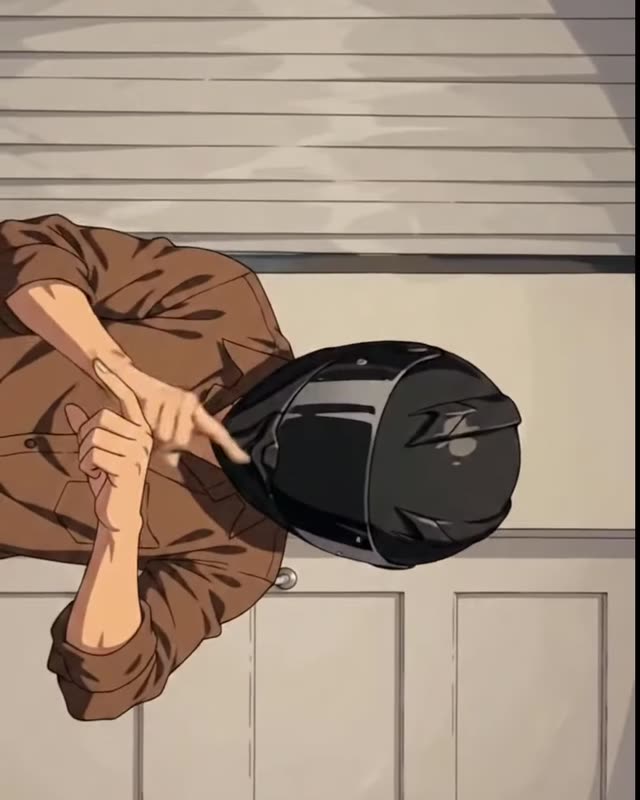
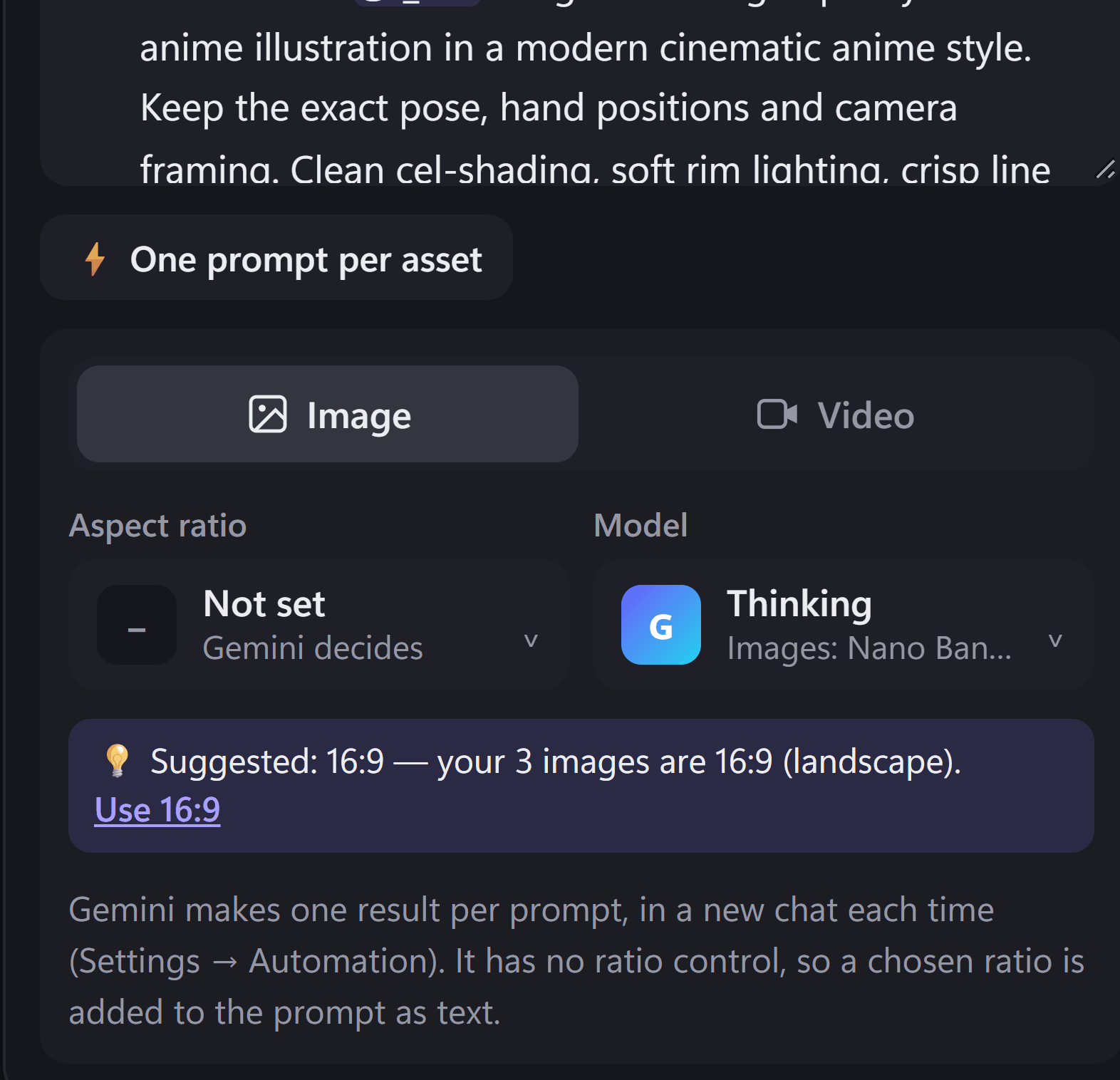
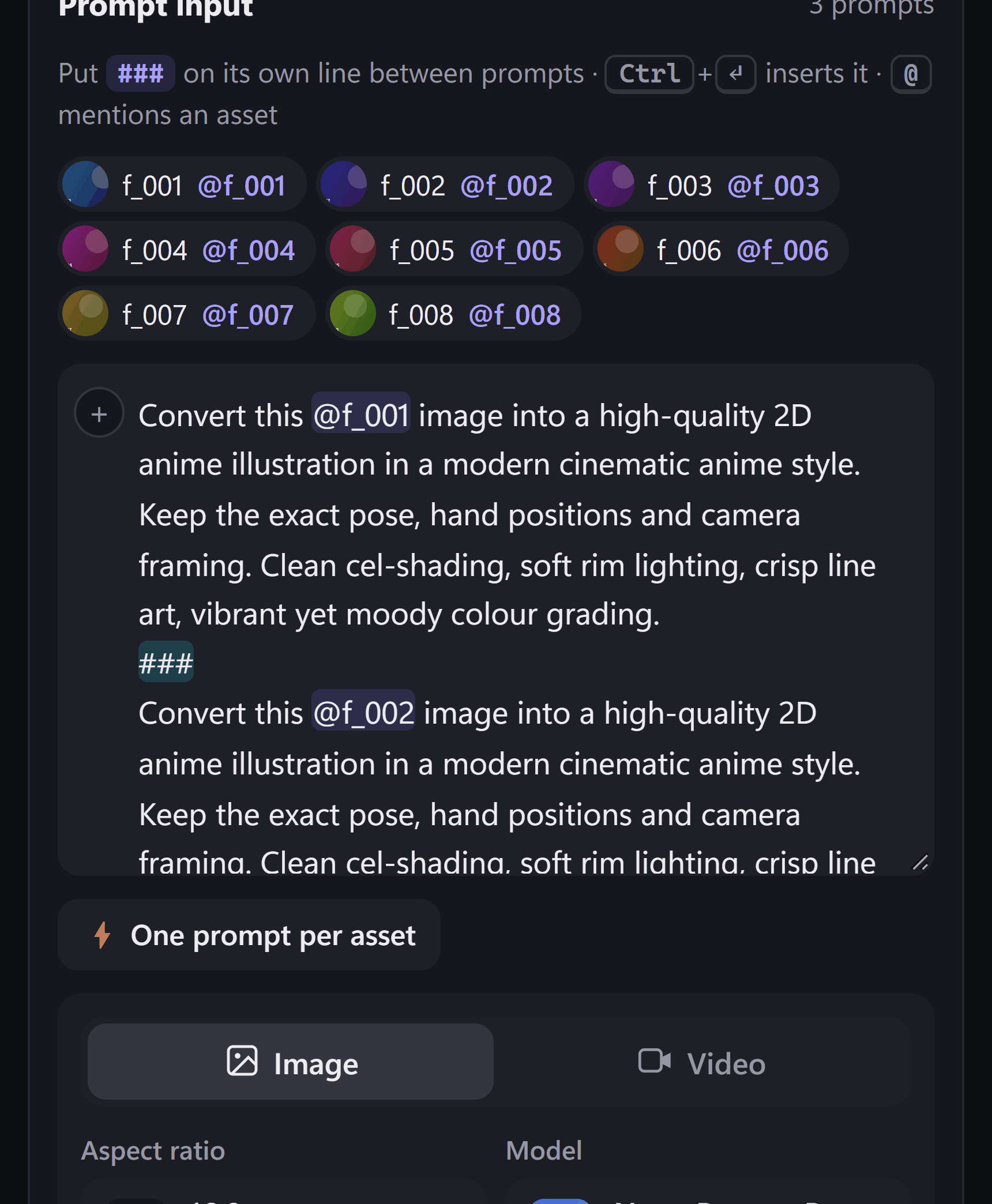
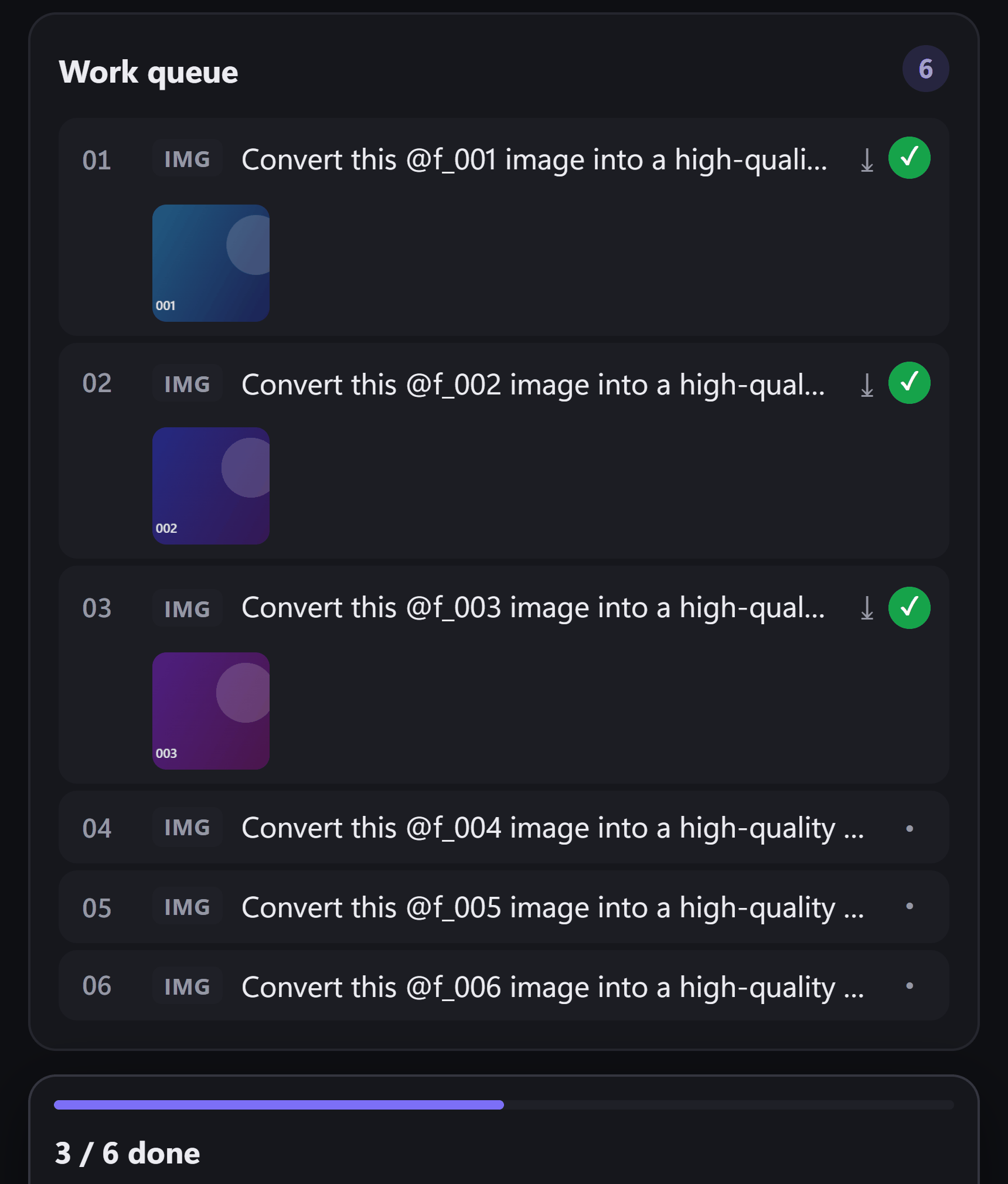
Write one prompt with {asset}, like Convert {asset} into a 2D anime illustration, and press One prompt per asset. Every frame gets its own prompt, and every image is saved as it finishes.
-
→
→
→
→
pic_001 … pic_008 · 4 scenes
3Video mode · Sequential frames
Connect them with a story
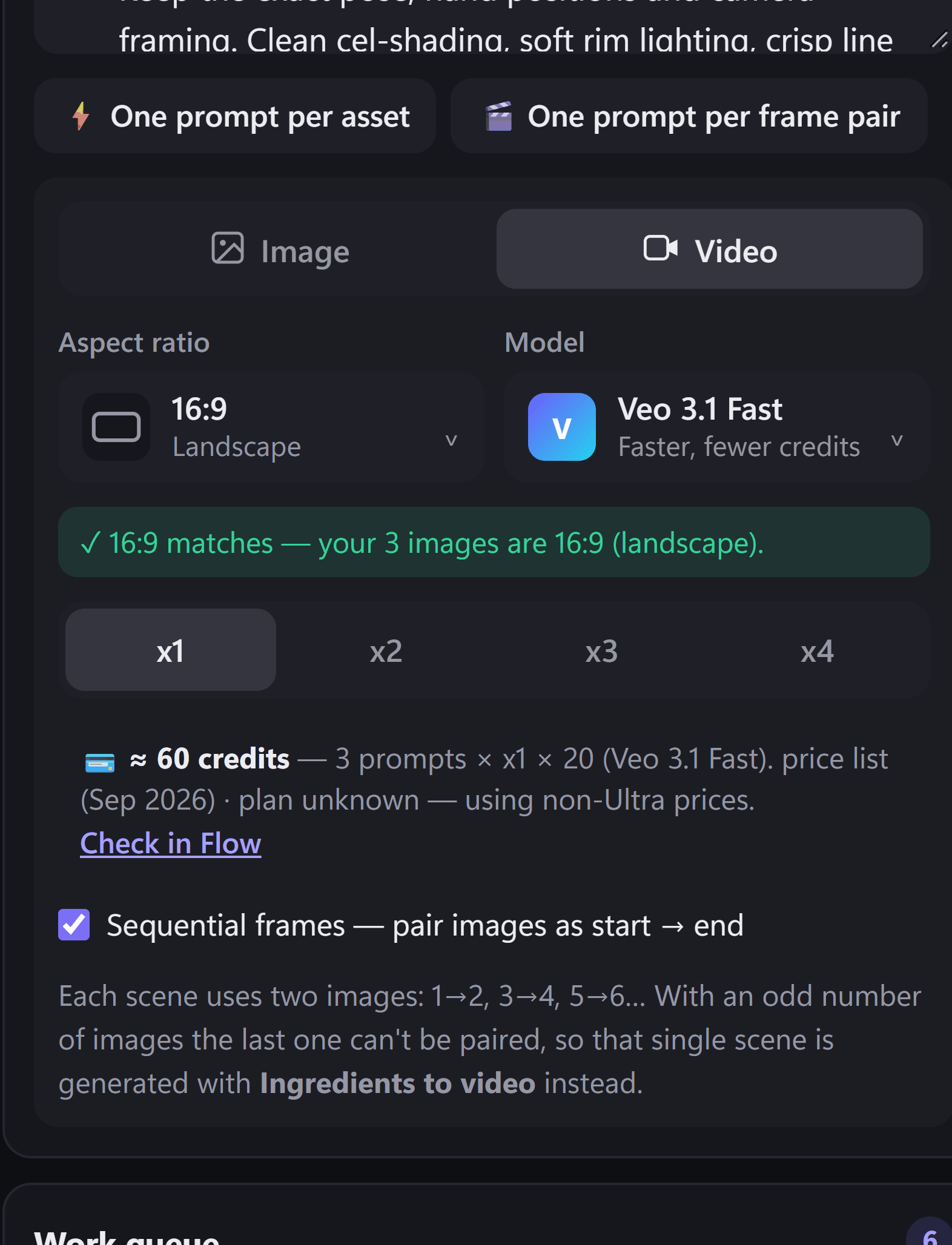
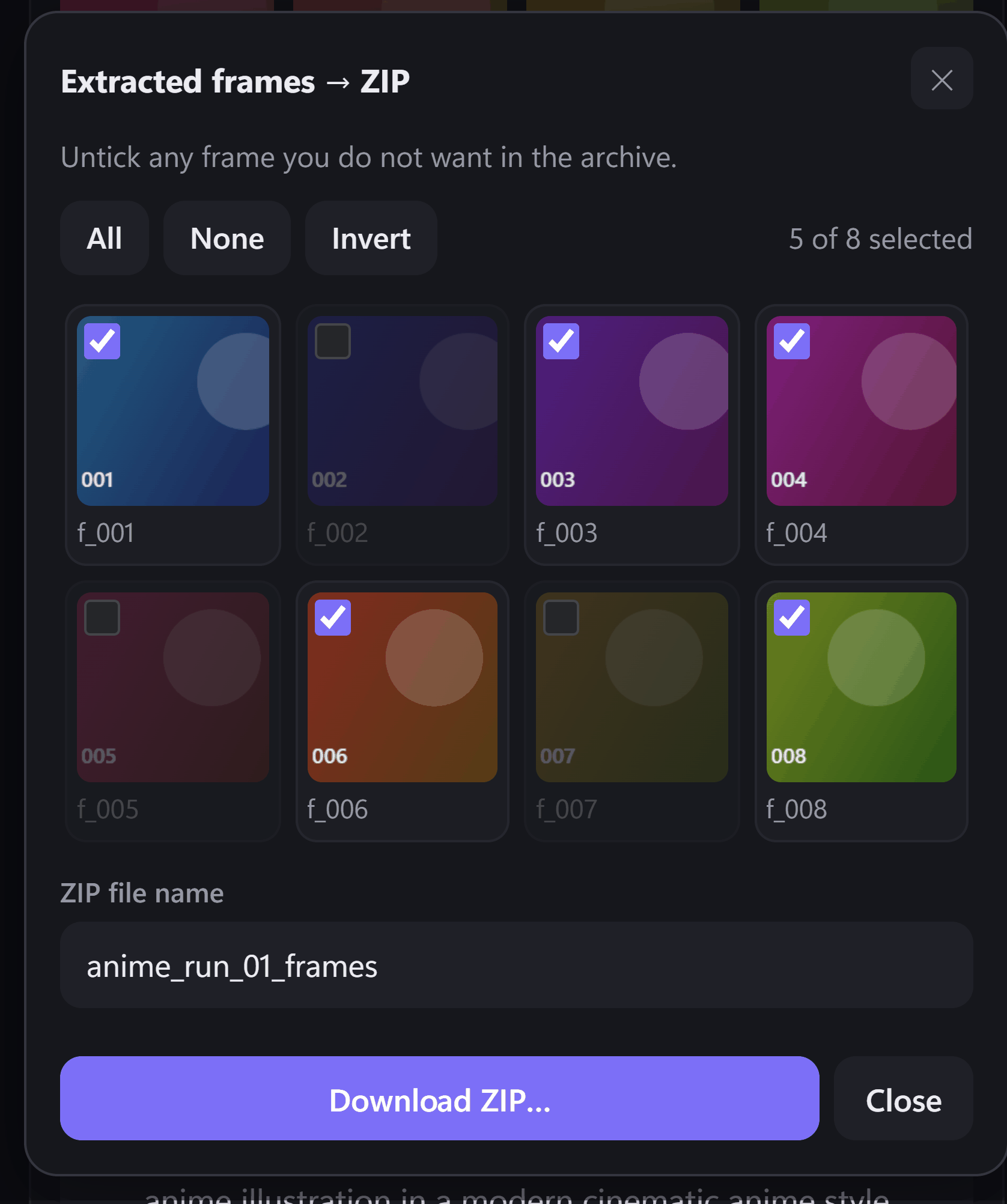
Use these images for video brings the images back as pic_001, pic_002 and so on. One prompt per frame pair turns each pair into a scene, from a start image to an end image. Then write each scene as the next line of your story.
-
001 → 004 · in story order
4Start · Frames to video in Flow
Collect the scenes
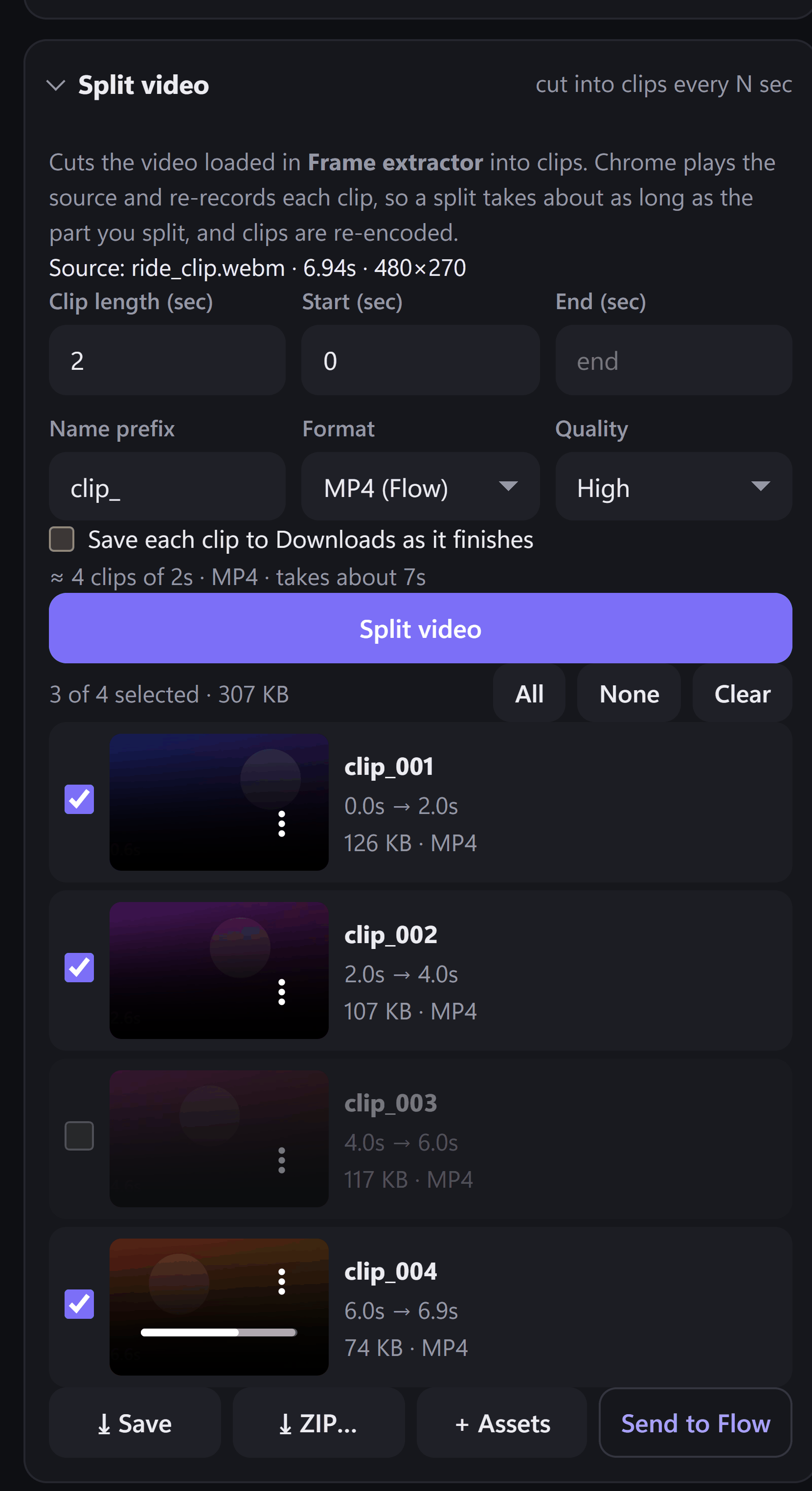
FlowBatch runs each scene through Flow's Frames to video, one after another, and saves the clips in story order. Play them back to back, or join them in any video editor.
Keep the look the same. Use the same style words in every scene, like 2D anime, cel-shaded, soft rim light, so the scenes match.
Place the images yourself. Put {start} and {end} in the first prompt, like From {start} the rider pulls away, ending on {end}, and each scene gets its own pair in those places.
An odd image out. With an odd number of images, the last one becomes a scene of its own using Ingredients to video. FlowBatch tells you before anything runs.